
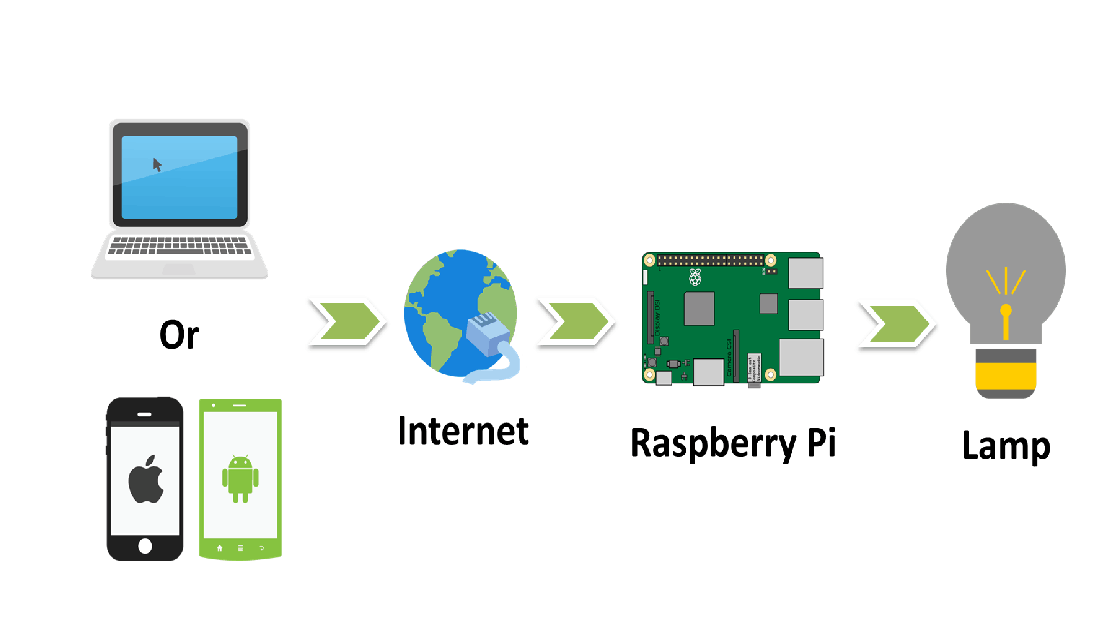
Steps
1. Install Raspbian OS in Raspberry Pi and Connect It with the Internet.
2. Then Connect Your Mobile with the same internet via same dongle or wifi.
3. Download Cayenne App.
4. Then Search the Raspberry Pi and select it. That will Install all the things.
5. Setup Light Switch. ( Configure Channel with which the led is connected.)
6. Now Connect LED and Resistor in series with the Raspberry Pi Pin.
7. Now You can Turn on and off the led using internet from anywhere.
2. Then Connect Your Mobile with the same internet via same dongle or wifi.
3. Download Cayenne App.
4. Then Search the Raspberry Pi and select it. That will Install all the things.
5. Setup Light Switch. ( Configure Channel with which the led is connected.)
6. Now Connect LED and Resistor in series with the Raspberry Pi Pin.
7. Now You can Turn on and off the led using internet from anywhere.



0 Comments